Cinema 4D is a powerful and versatile 3D modelling, animation, and rendering software used by professionals across various industries from advertising to motion graphics and visual effects. Whether you’re a beginner or an experienced user, there’s always something new to learn. At Docklands Media, we offer comprehensive training courses to help you master Cinema 4D and take your skills to the next level. Here are 12 essential tips that we teach on our courses and believe that every Cinema 4D user should know:
1. Master the Interface
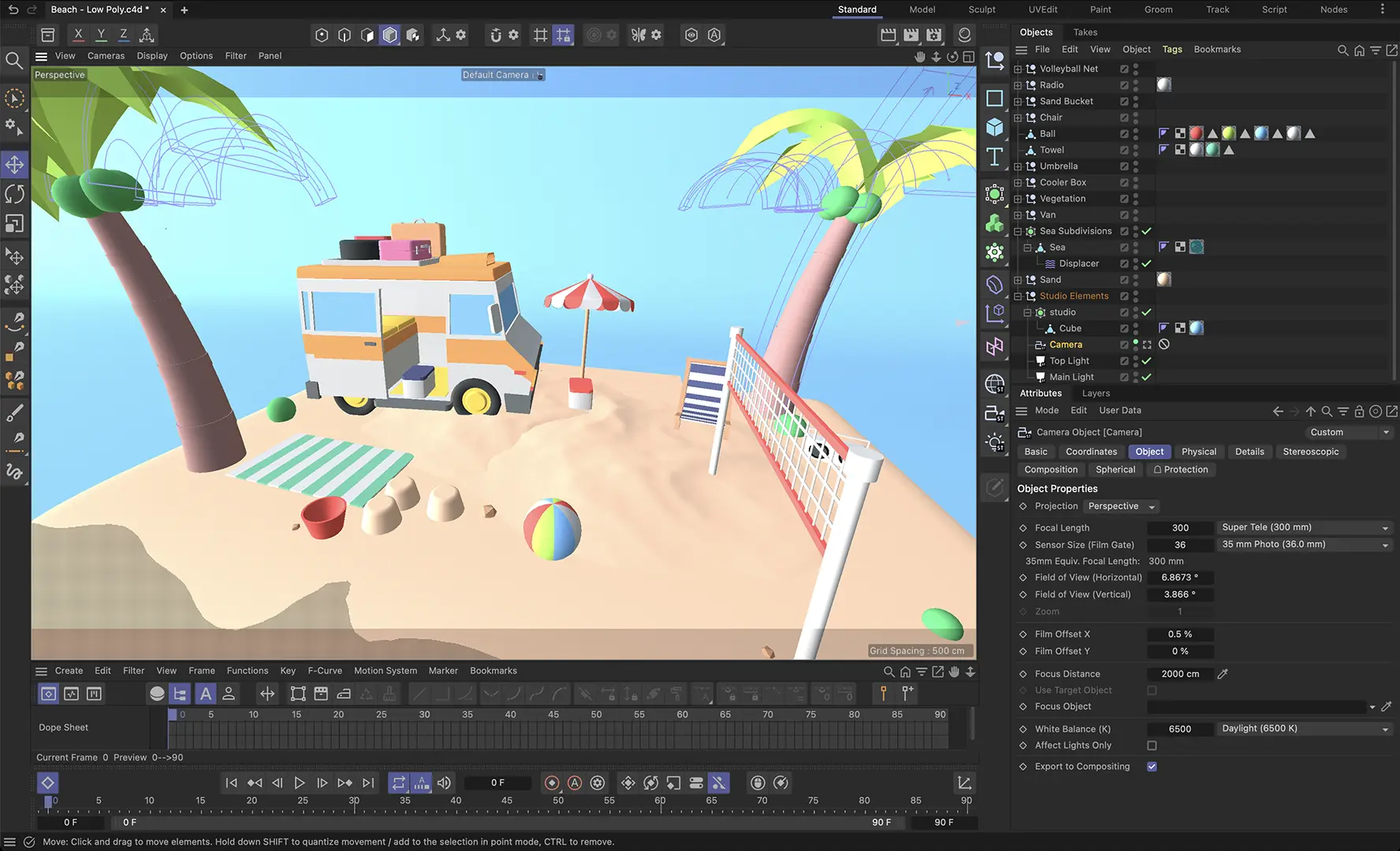 Understanding the Cinema 4D interface is crucial for efficiency. Familiarise yourself with the layout, shortcuts, and tools available. Customise your workspace to suit your workflow, making it easier to access frequently used functions.
2. Utilise Object Manager Effectively
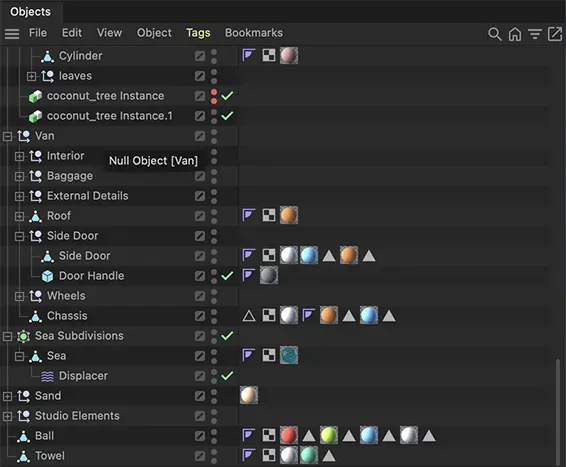 The Object Manager is your main control centre. Organise your objects into groups and layers to keep your project tidy. Use tags and filters to manage complex scenes easily. Proper organisation can save you a lot of time during production.
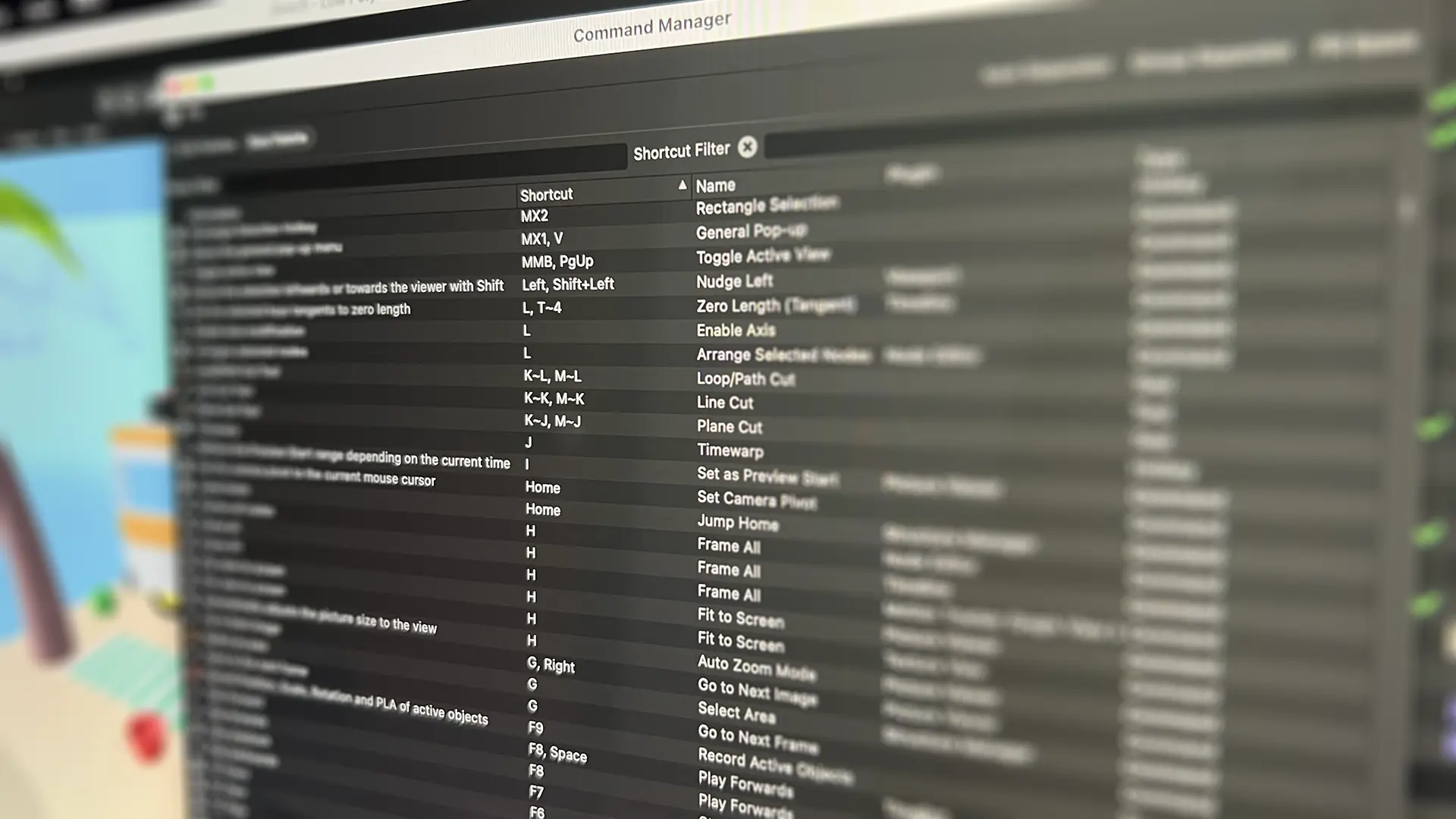
3. Learn Keyboard Shortcuts
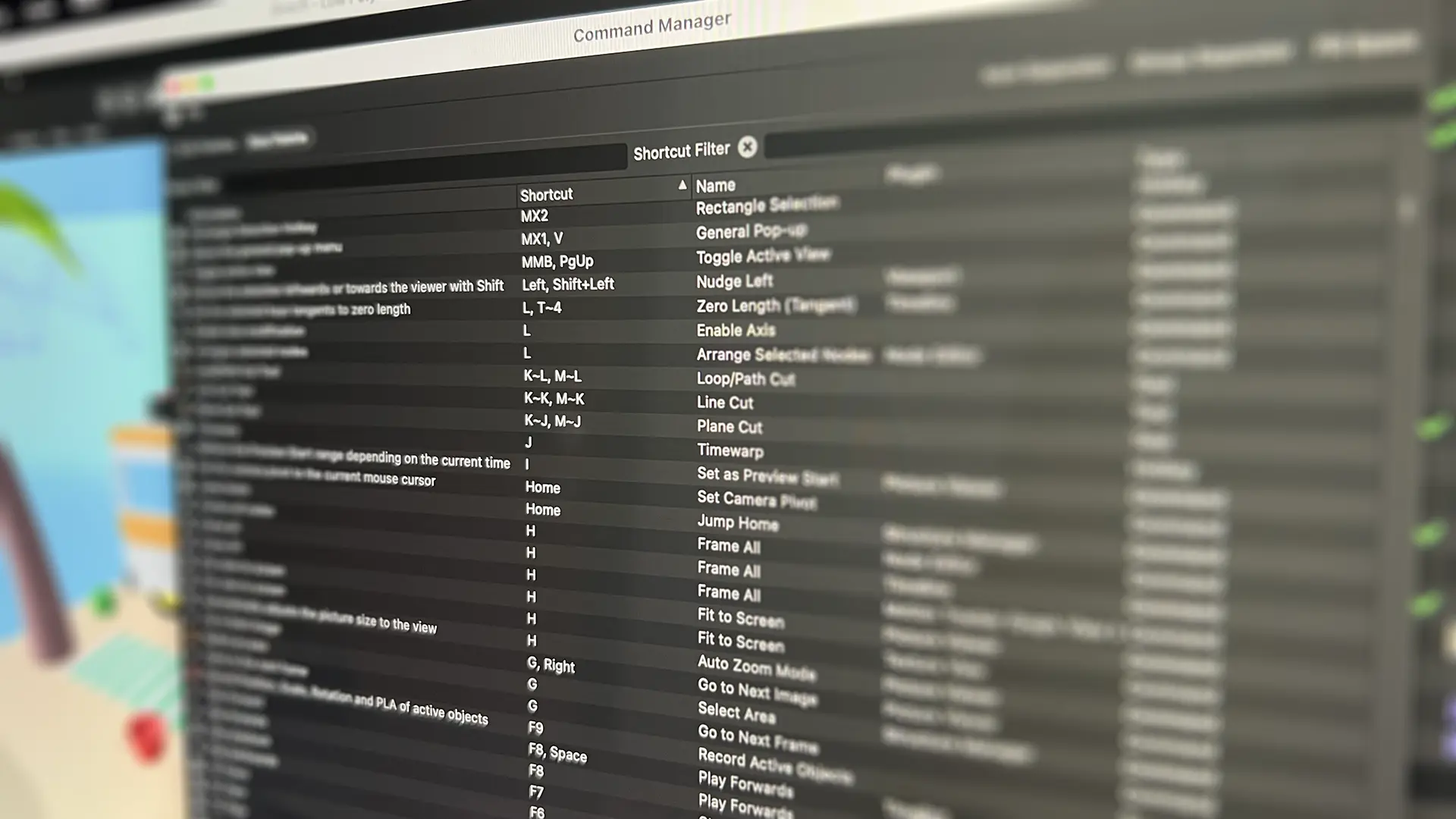 Keyboard shortcuts can significantly speed up your workflow. Spend some time learning the most common shortcuts for tasks like switching tools, navigating the viewport, and manipulating objects. You’ll find that these shortcuts quickly become second nature.
4. Use the Content Browser
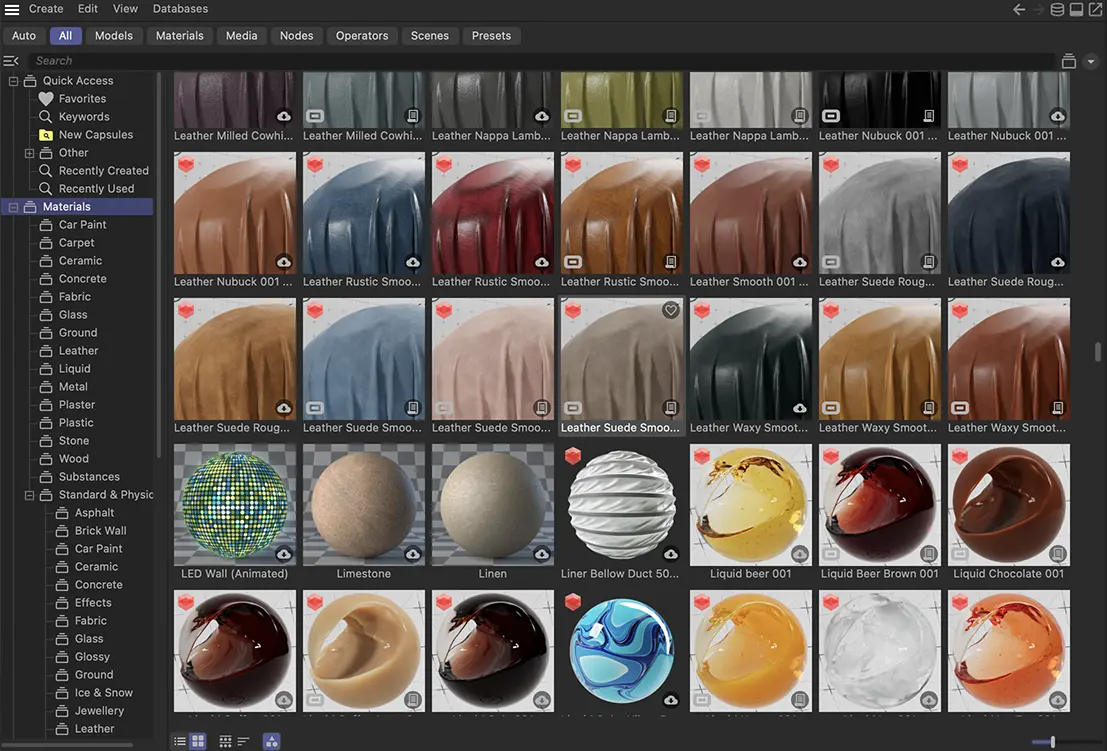 Cinema 4D’s Content Browser is a treasure trove of assets, materials, and presets. Make the most of it by exploring the available resources and incorporating them into your projects. This can save you time and inspire creativity.
5. Take Advantage of MoGraph
 MoGraph is one of Cinema 4D’s most powerful features. It allows you to create complex animations and effects with ease. Experiment with the Cloner, Effectors, and Fields to create stunning motion graphics. MoGraph can transform a simple project into something extraordinary.
6. Understand Lighting and Texturing
 Good lighting and texturing are essential for creating realistic renders. Learn how to use different light types, adjust their settings, and apply realistic textures to your models. Experiment with Cinema 4D’s material system as well as Redshift to achieve the desired look for your projects.
7. Experiment with Dynamics
 Dynamics can add a level of realism to your animations. Explore the Dynamics module to simulate real-world physics, such as collisions, gravity, and forces. Whether it’s for a simple bouncing ball or a complex destruction scene, Dynamics can add depth to your work.
8. Optimise Your Scenes
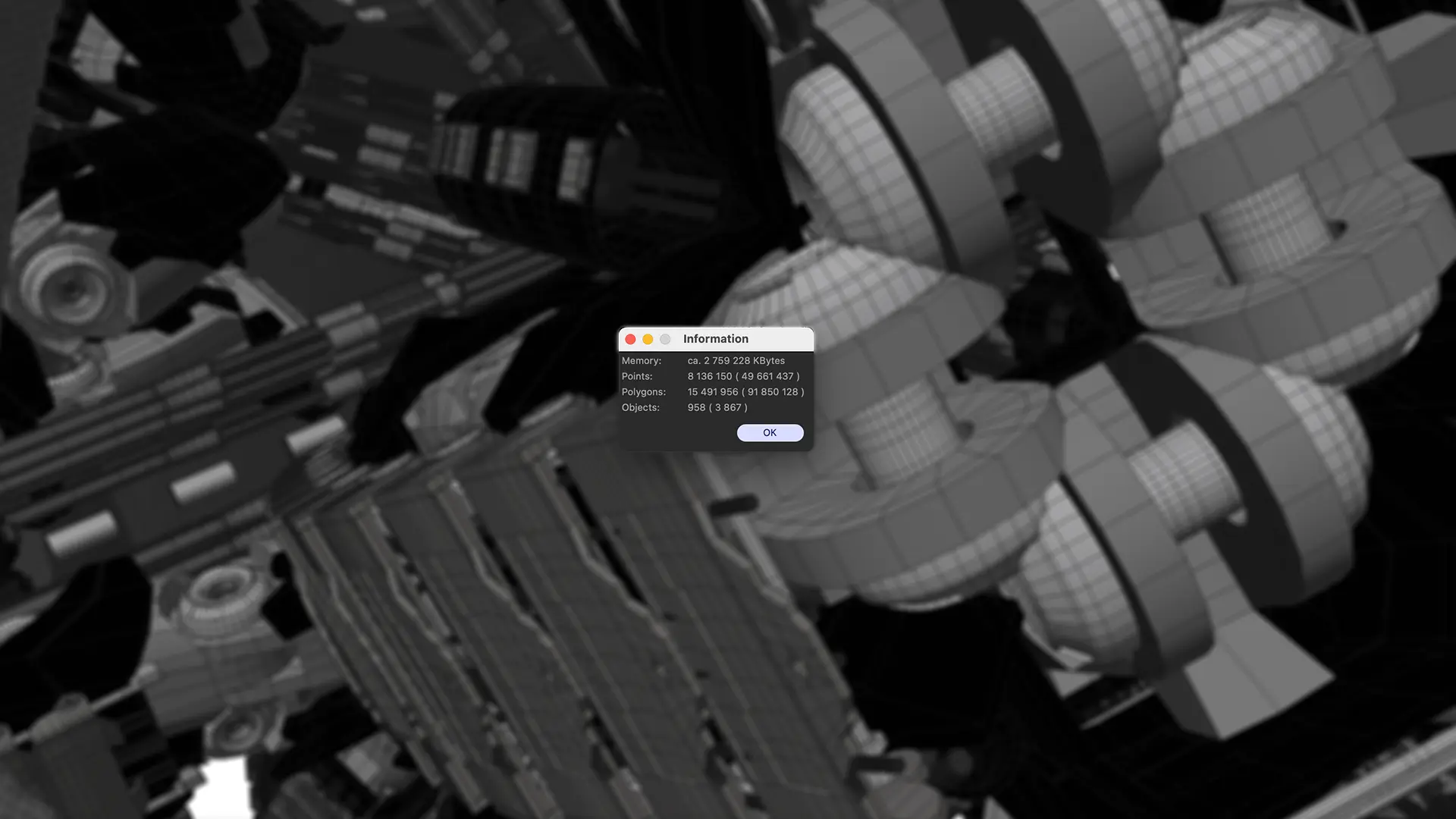 Large scenes can slow down your workflow. Optimise your projects by reducing polygon counts, using instances, and managing your scene’s complexity. Use Cinema 4D’s tools to check for unused materials and objects, and clean up your scene regularly.
9. Use Correct Render Settings
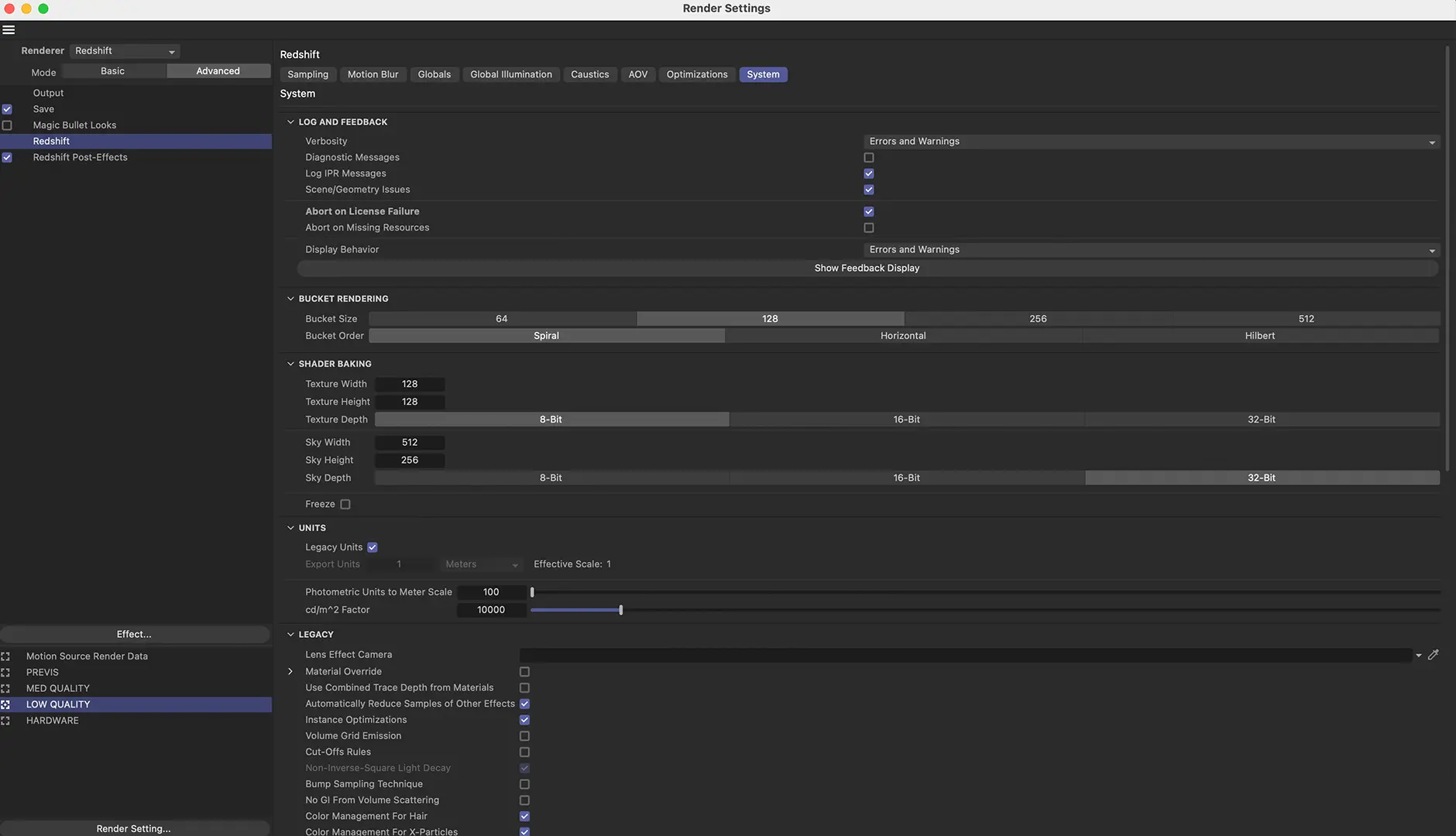 Rendering can be time-consuming but knowing how to optimise your render settings can save you a lot of time. Experiment with different render engines including Redshift, adjust sample settings, and use techniques like Global Illumination and Ambient Occlusion wisely. Understanding render settings can help you achieve the best balance between quality and render time.